KNX Home Automation: How to Integrate Lighting, Blinds, and Climate Control

November 6, 2026

When you leave home, you might want to turn off the lights in the living room and kitchen, leave the entryway light on for anyone who’s still coming home, and keep the office climate control running because someone is still working there. An “Exit” button is only useful if it can distinguish between these situations. That is precisely the job of a KNX home automation system: to decide, room by room, what should happen when someone issues a command.

At Grupojota, we use KNX in our smart automation services for homes and businesses in mainland Portugal. The technology makes it possible to coordinate compatible equipment; it is the routines of those who use the space that give meaning to the schedule.

What is KNX, and how does it change a light switch?

KNX is an open standard that allows compatible devices to exchange commands and information. Imagine a button next to the bedroom door. When you press it, a command is sent to the module that controls the lighting circuit. The same button can be programmed to control more than one circuit, if that is the goal.

The wall-mounted control, the sensor, and the module that performs the action may be from different manufacturers. You must verify that they support the desired functions and configure communication between them. This is what the ETS, the KNX configuration tool. Anyone living in the house can continue to use a switch, a thermostat, or their preferred interface.

Lighting, blinds, and climate control: three design decisions

Lighting. At night, it may make sense to turn on only the light along the hallway between the bedroom and the kitchen. During the day, that same hallway may not need artificial lighting. In the design, we define which circuits are involved, what triggers the action, and how to turn on the light manually when the usual routine does not apply.

Blinds. In a room bathed in afternoon sunlight, you might want to lower only the blinds on the exposed side of the building, while allowing natural light to enter the rest of the room. Before setting schedules or configuring sensors, you need to understand the motors, the available controls, and the conditions that should take priority over an automatic command.

Air Conditioning. An office that is occupied during the day may have a different schedule than the bedrooms. Here, the first question is what the HVAC system allows you to control: turning it on and off, adjusting the desired temperature, or selecting a mode. The functions depend on the model and, in some cases, on an integration interface.
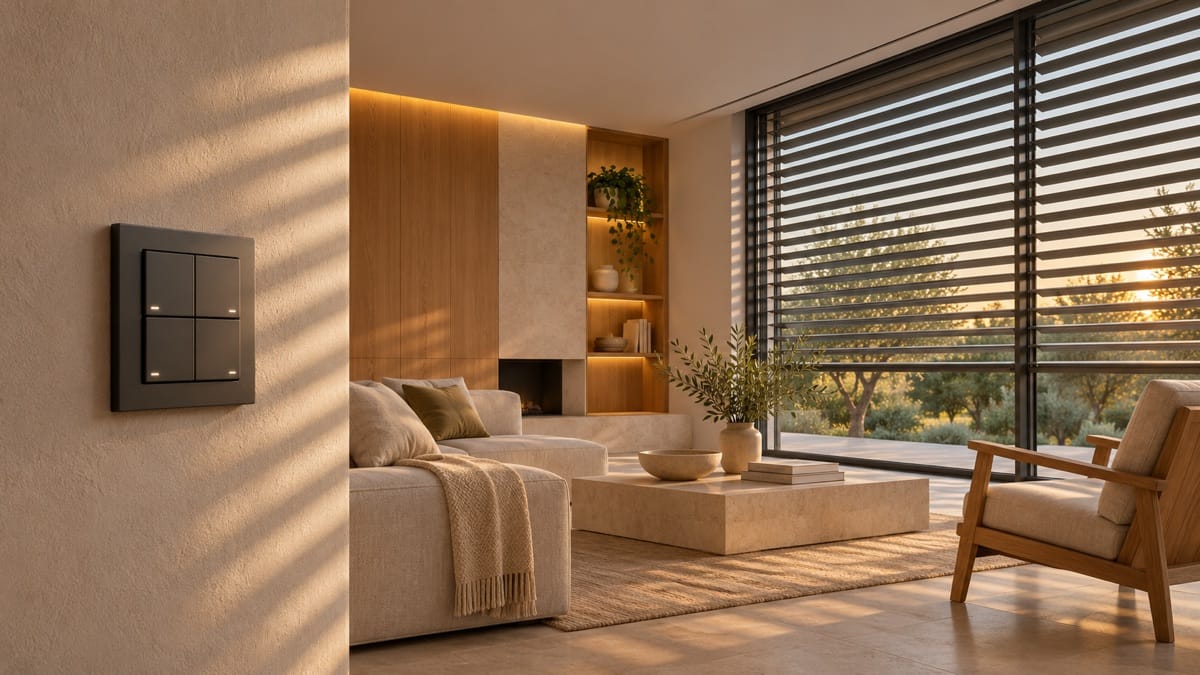
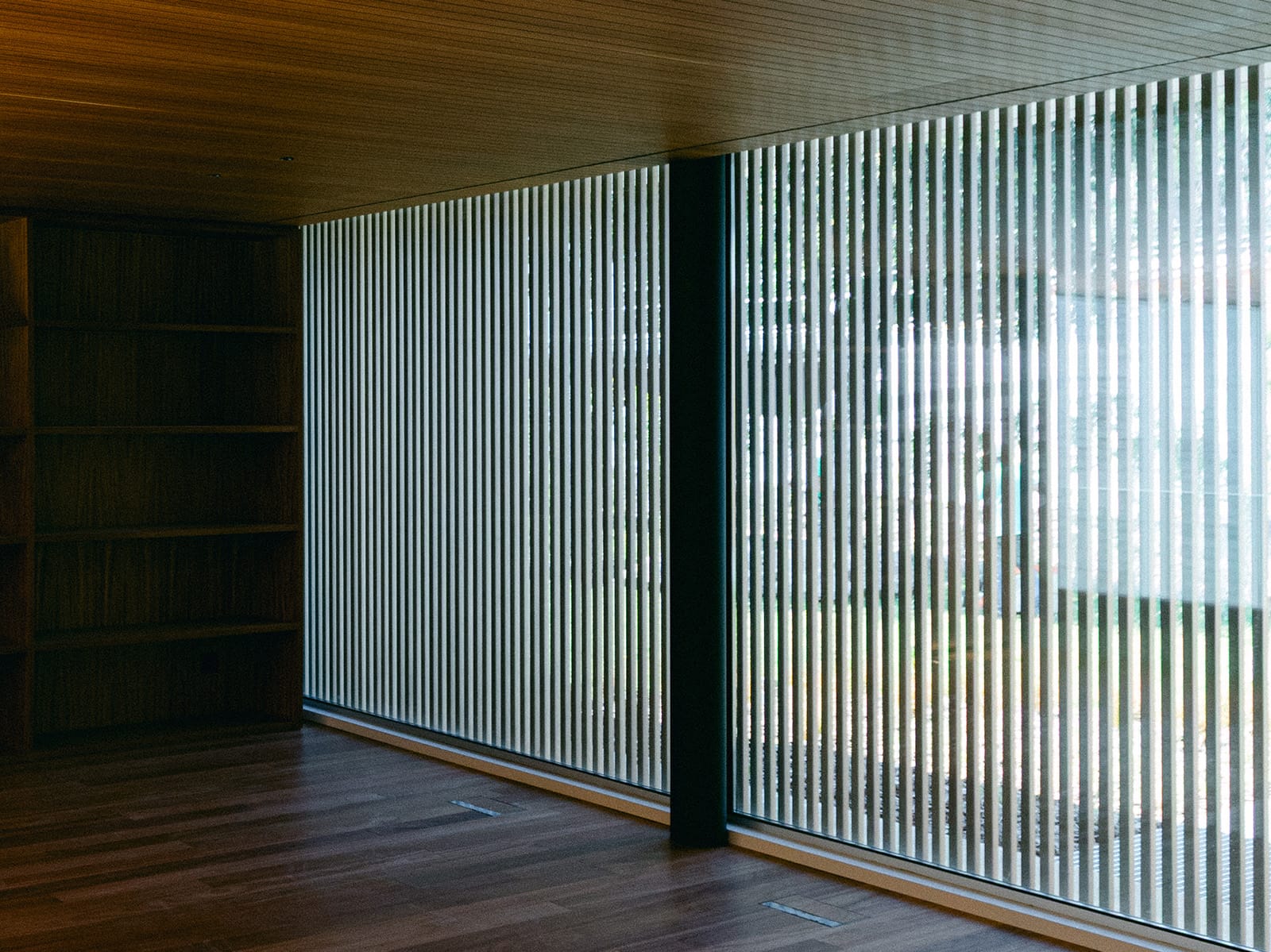
Interior de habitação contemporânea com soluções de iluminação e automação residencial
To plan for shading, start by considering the orientation of the openings and how the space will be used.

How to Design a User-Friendly Interface

A scenario combines multiple actions into a single command. To set up a “Leave” scenario, we start with a simple question: Is the last person leaving, or is someone staying home? The answer determines what should happen to the lights, the blinds, and the climate control.

A useful exercise is to write three lines: o que muda, what remains as it is and where can I override the command?. In an office, for example, closing the reception area can turn off the lights in that area without interrupting a meeting in another room. These are examples of possible programming options; they are not features included by default in all projects.

When you talk to Grupojota about KNX

In a new construction project, the best time to make decisions is while you can still coordinate the electrical design, the placement of the switches, the circuits, and the space in the panel. A decision as simple as closing the blinds next to the bed can influence the location of a switch. If you’re preparing a home, be sure to also check out our page on home automation.

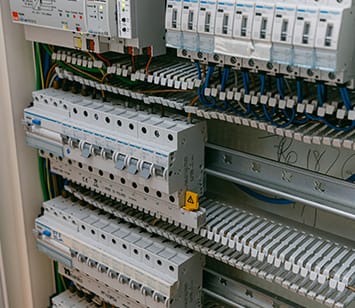
When renovating, we start with what’s already there. A photo of the panel helps get the conversation started; on its own, however, it doesn’t allow us to determine whether a blind motor or an HVAC unit can be integrated. The equipment’s model number and information about the installation make all the difference in this assessment.

To prepare for your first conversation, gather the following:

  • A simple diagram showing the sections and the purpose of each one.
  • Two or three routines I'd like to simplify.
  • The model numbers of the equipment you wish to keep, if available.
  • The current phase of the project and the features you plan to add later.
The layout of the circuits and the space available on the panel are factors to be evaluated in the design.

Conclusion: Start with a concrete routine

“I want to be able to turn off the lights in the common areas without affecting the lights in the bedrooms” is a more useful starting point than a list of devices. With that description, Grupojota can help you decide which devices to integrate with KNX, which commands make sense, and what needs to be set up during installation.

FREQUENTLY ASKED QUESTIONS

Frequently Asked Questions About KNX

No. A design can include wall-mounted buttons for common functions. An app can supplement those commands when it makes sense for the people using the space.

It depends on the motors, climate control units, and available interfaces. Please specify the models so we can determine which functions can be controlled.

Yes, if the infrastructure and equipment allow for expansion. Please specify from the outset which other departments you intend to include, so that this possibility can be taken into account in the project.

Contact Us

Which routine would you like to simplify?

Please send Grupojota the location, the stage of the project, and an example of what you want to control. We’ll evaluate the KNX solution best suited for your space.

Tagged with :

The best solutions in Sound, Image, Lighting, Security and Home Automation.

© 2026 GRUPOJOTA. All rights reserved

POWERED BY DOUROMAIS

© 2026 GRUPOJOTA. All rights reserved

POWERED BY DOUROMAIS