Sound
30 Minute
Multiroom audio: how to listen to music in different rooms of the house
November 6, 2026
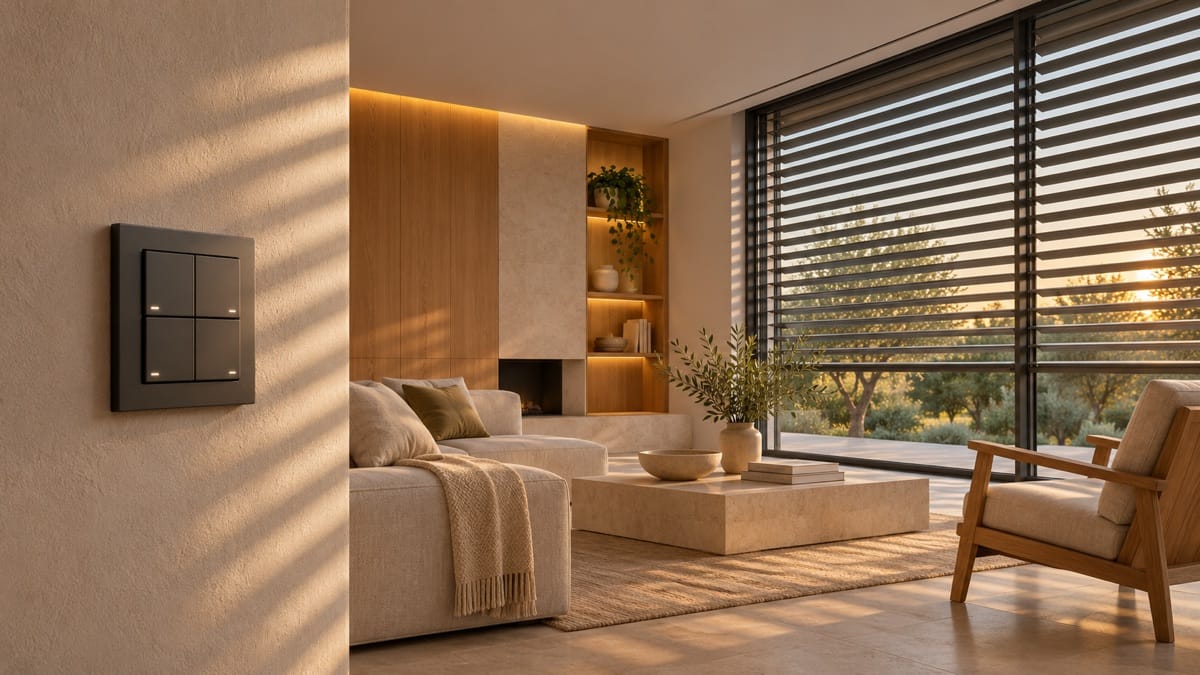
Listening to music in the kitchen while preparing dinner, continuing the same playlist in the living room, or choosing a different song in the office: this is the kind of flexibility a multiroom audio system can offer. The home is organized into audio zones, which can be controlled independently or played together, depending on the equipment and configuration you choose.
Table of Contents
The starting point isn't to put a speaker in every room. It's to figure out where you want to listen to music, who will use the system, and how you want to control it. At Grupojota, multiroom audio is part of the integrated audiovisual solutions, designed with the use and architecture of each space in mind.
What is multiroom audio?
A multiroom audio system allows you to distribute music throughout various rooms or zones in your home. Depending on the system, you can choose where the music plays, adjust the volume in each zone, and group spaces so they play the same content.
For example, the living room and kitchen can play the same song during a get-together, while the bedroom remains silent. At other times, each user may want a different playlist. This depends on the system’s capacity and the terms of the music services used, including any limits on simultaneous playback.
How to Define Sound Zones in Your Home
A zone is an area that you want to control as a single unit. It may correspond to a room, but it doesn’t always have to coincide with the walls of the house. In a living room that opens onto the kitchen, for example, it’s important to decide whether you want to control the two spaces separately or typically use them together.
Before choosing the equipment, mark the areas on a floor plan where you want to listen to music and describe the intended use of each one:
- Living room and kitchen: background music or moments of togetherness.
- Office: individual listening session, with independent monitoring.
- Bedrooms: for personal use, with the option to keep the sound off.
- Terrace or garden: a private area equipped with items suitable for outdoor use.
This definition helps avoid two problems: installing audio where it won't be used, and grouping spaces into a single zone that you might later want to control separately.
Visible, recessed, or hidden columns?
“Multiroom” refers to the way audio is distributed and controlled. The appearance of the speakers is a separate consideration. A design can incorporate visible speakers, in-wall models, or hidden solutions, as long as the equipment, amplification, and control system are compatible.
Visible columns can be integrated into the furniture or serve as a design feature. Built-in columns can reduce the amount of space they occupy while still featuring a visible grid. Concealed columns require specific surface preparation and finishes that are compatible with the system.
If you're looking for discreet integration, check out our article on Amina's invisible columns. The choice should take into account the construction, maintenance, and desired listening experience, as well as the visual appearance.

Wired or wireless installation
There are systems that use network-connected speakers and systems that use speakers connected by cable to amplifiers. There may also be designs that combine different approaches. The appropriate setup depends on the home, the equipment, and the feasibility of the installation.
When building or remodeling, it’s worth planning in advance where cables will run, where network outlets will be located, where power will be supplied, and where equipment will be placed. In an existing home, the survey should identify the available infrastructure and the necessary modifications.
A wireless solution does not necessarily mean a cable-free installation: many devices still require a power supply. Before deciding where to place them, also check the quality of the network connection at those locations.
Network and Compatibility: What to Check
In systems that use the home network, the design must take into account the coverage and stability of the connections. It is not enough to evaluate the contracted internet speed; communication between devices within the home is also important.
Having Wi-Fi or Bluetooth alone does not guarantee that two speakers will work together in a multiroom system. You need to check the supported platform, compatible models, and available features for the desired combination.
- What music services do you use, and which ones are supported?
- Do you want to listen to different songs at the same time?
- Existem equipamentos que gostaria de aproveitar?
- Would you like to connect local sources, such as a turntable or another device?
- Do you plan to add new areas later?
Local power sources may require specific inputs or interfaces. Compatibility should be confirmed for specific models before purchase.
How to Control Music in Your Daily Life
Control should be simple for the people living in the home. Depending on the system, it can be done via an app, physical controls, or integration with a home automation system. These options should be confirmed in the design, rather than assuming that all of them are available.
It's worth trying out some everyday tasks: selecting the kitchen, starting a playlist, turning down the volume in the living room, and turning off the music in a specific area. Clear names for the rooms and a setup tailored to your family make it easier to use.
When you want to coordinate the audio with other home functions, integration can be explored within the scope of Grupojota home automation solutions..

Are multiroom and surround sound the same thing?
No. Multiroom audio distributes music across multiple zones. Surround sound organizes the sound around the seating areas in a room to enhance the experience of watching movies and other compatible content.
Os dois podem coexistir numa casa e, em determinados sistemas, partilhar equipamentos. Essa integração depende da compatibilidade e das funções suportadas. Agrupar colunas em várias divisões não transforma automaticamente esse conjunto num sistema surround.
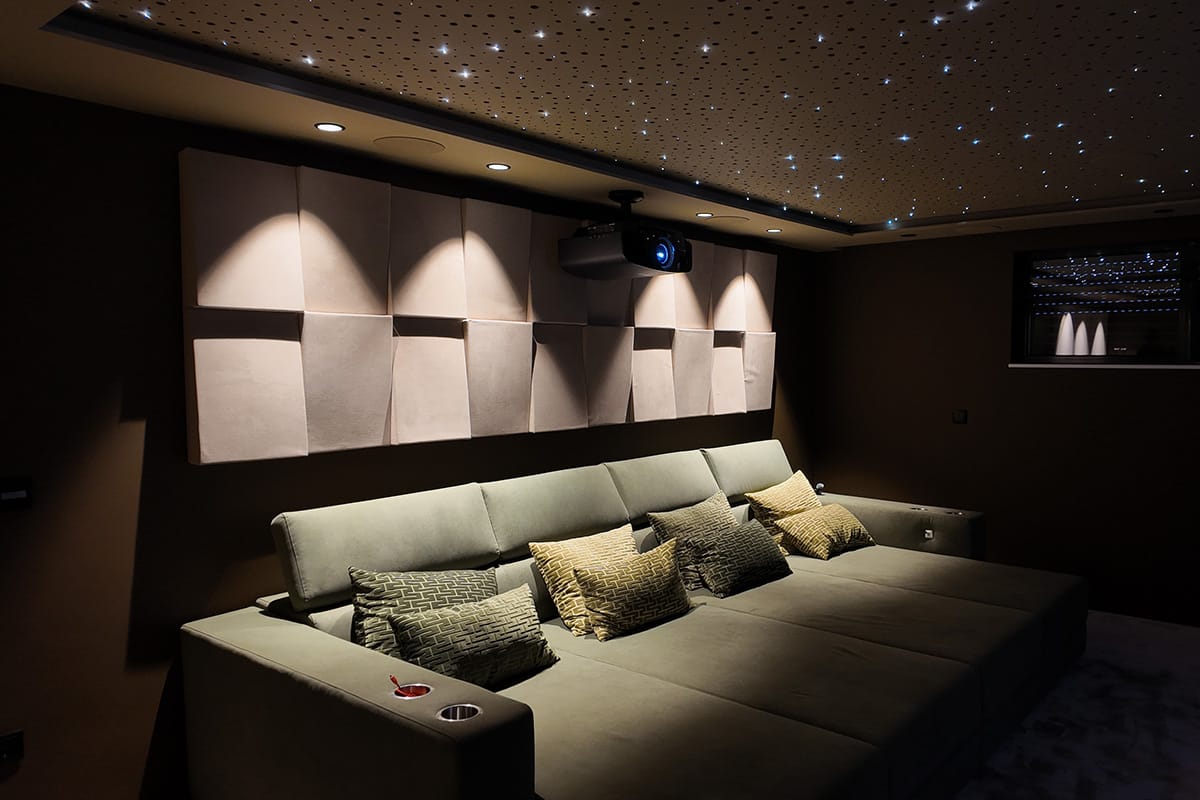
If you also want to watch movies in the living room, this use should be factored into the planning of the home theater solutions, to coordinate video, audio, and control.
What to submit to set up a multiroom project
For an initial consultation, please bring a floor plan or photographs, the location of the house, and a list of the areas where you want to listen to music. Please indicate whether the property is under construction, being remodeled, or already completed.
Consider your existing equipment, the music services you use, and whether you prefer visible or built-in speakers. You don’t need to bring a list of products: information about how you use your system is what allows us to start designing a cohesive solution.
Conclusion: Start with the zones and their intended use
A multiroom audio system should tie the music-listening experience to the way you use your home. Defining zones, checking your network, and choosing compatible equipment will help you build a system that works well in your daily life.
Grupojota develops custom solutions in mainland Portugal. The goal is to tailor sound, integration, and control to the specific characteristics of each space.
FREQUENTLY ASKED QUESTIONS
Frequently Asked Questions About Multiroom Audio
Yes, on systems and setups that support independent playback by zone. You should also check the terms and limitations regarding the simultaneous use of music services.
Yes, there are solutions suitable for existing homes. The choice depends on the network, the power supply, the existing equipment, and the type of integration desired. Built-in or hidden speakers may require modifications to the finishes.
It may be possible, but you'll need to check the speaker type, amplification, and compatibility with the chosen platform. A wireless connection does not guarantee multiroom integration.
It depends on the audio source and the system. Online streaming services require an internet connection; some local sources may work without an internet connection, provided the system supports this functionality and the necessary connections are available.
Contact Us
Shall we bring music to your venues?
Let Grupojota know in which rooms you want to listen to music, how you plan to control the system, and whether your home is under construction or already completed. Based on this information, we can design the integration that best suits your project.
Tagged with :